Robot Delivery
Which On-Campus Restaurants Offer Robot Delivery?
Bronx Bagel Co, Cosi, Dagger John's, The Grotto, and Urban Kitchen
Follow These Steps to Place Your Robot Delivery Order
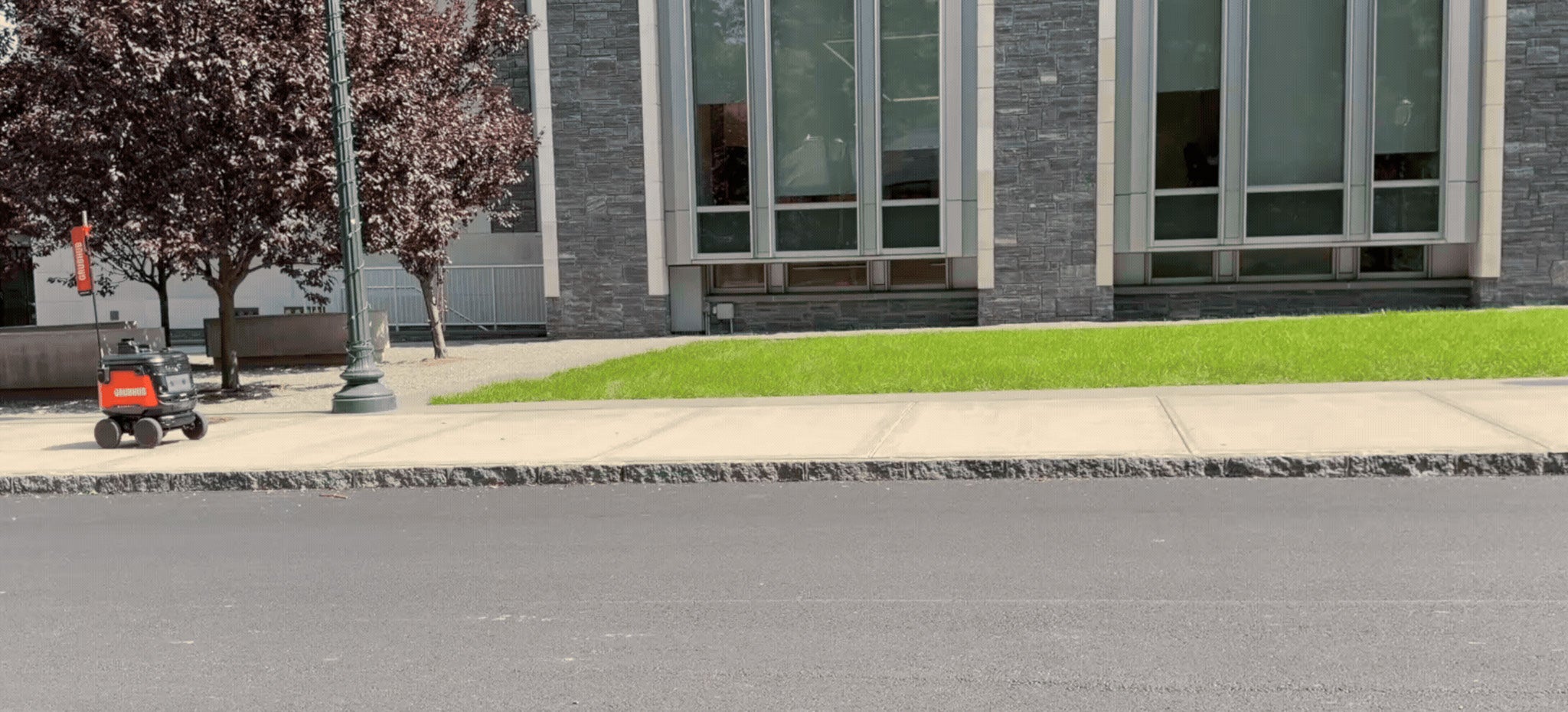
When your robot has arrived, your tracker will update with a button to swipe and unlock the robot. The lid will open and close on its own.
Open the Delivery Tab in Grubhub
Open Grubhub and make sure you're in the Fordham Dining tab, with Delivery selected on the right side.
Choose Your Delivery Location
In the top left corner of Grubhub, make sure you've selected the correct building as your location.
Place an Order
Choose the on-campus restaurant you'd like to order from and place your delivery order.
Track Your Robot
In the Grubhub app, click the button to 'track your robot' to watch its journey across campus, in real time.
Unlock your Robot
When your robot has arrived, your tracker will update with a button to swipe and unlock the robot. The lid will open and close automatically.
Grab Your Food and Enjoy your Meal
After you swipe to unlock and the lid opens, grab your food and enjoy your meal! After you retrieve your food, the lid will close on its own and the robot will drive away.